

Missing steps, unclear drafts, and last-minute edits can make writing feel more stressful than it needs to be. I’ve seen even experienced writers lose momentum or overlook key details simply because there wasn’t a clear process to follow.
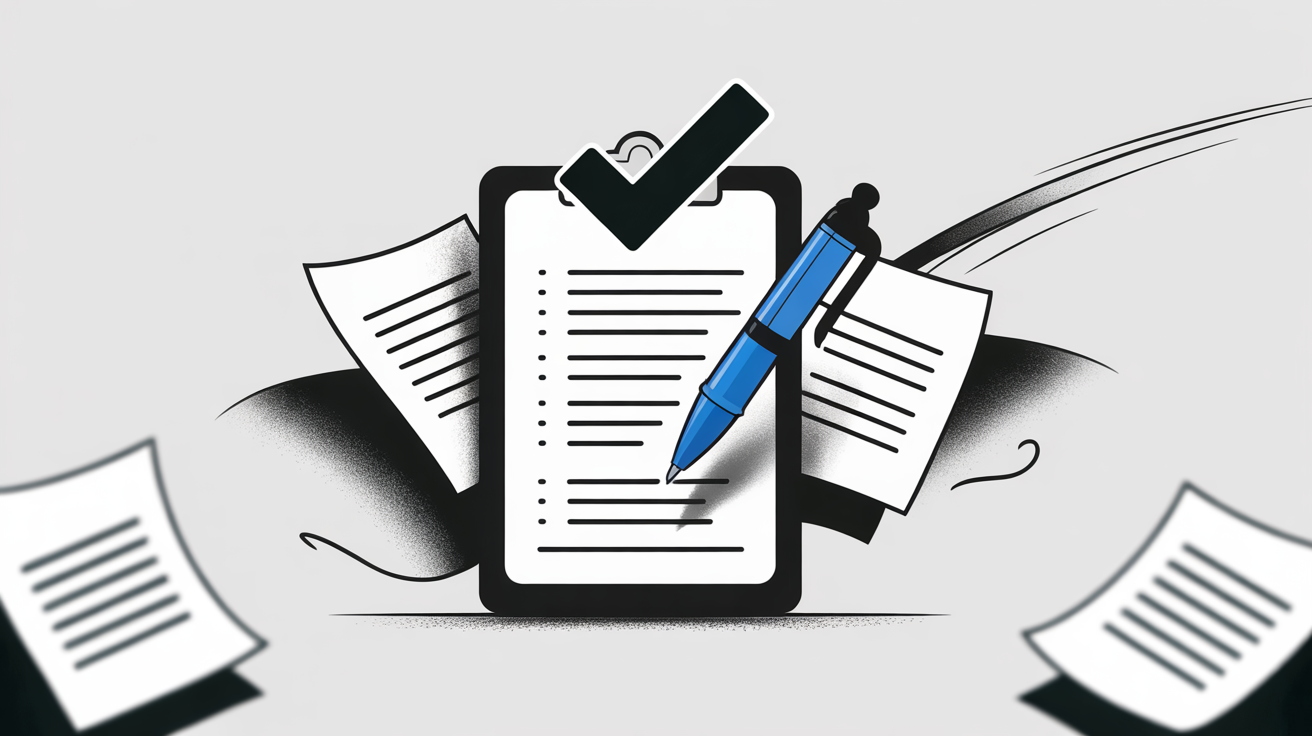
A well-structured checklist changes that. It breaks writing into manageable stages—planning, drafting, editing, and reviewing—so you can focus on one thing at a time and actually finish stronger.
In this article, I’ll walk you through what makes a writing checklist effective, how to tailor it for academic, business, blogging, or creative projects, and which digital tools streamline the process. You’ll get practical examples, genre-specific templates, and tips for adapting checklists for teams or solo work.
By the end, you’ll know exactly how to build and refine a checklist that fits your workflow, reduces errors, and helps you write with more confidence every time.
What is a Writing Checklist?
Understanding the Nature and Purpose of a Writing Checklist
A writing checklist is a structured set of prompts or criteria developed to guide the writer systematically through each phase of written communication—planning, drafting, editing, and reviewing. The intention isn’t to create a generic task list, but rather to clarify the cognitive and compositional processes involved in shaping ideas into clear, organised text. In effect, it turns the often unseen processes required for strong writing into explicit stages that writers can easily follow.
Many writers encounter obstacles such as disorganisation, overlooked details, and uncertainty about how to begin or improve their work. By presenting an ordered framework, writing checklists support the need for structure and clarity. Writers who use writing checklists often experience improved concentration, enhanced accuracy, and more confidence in their final drafts. This is why such tools are now common throughout education and professional practice.
Conceptual Structure: Stages of a Writing Checklist
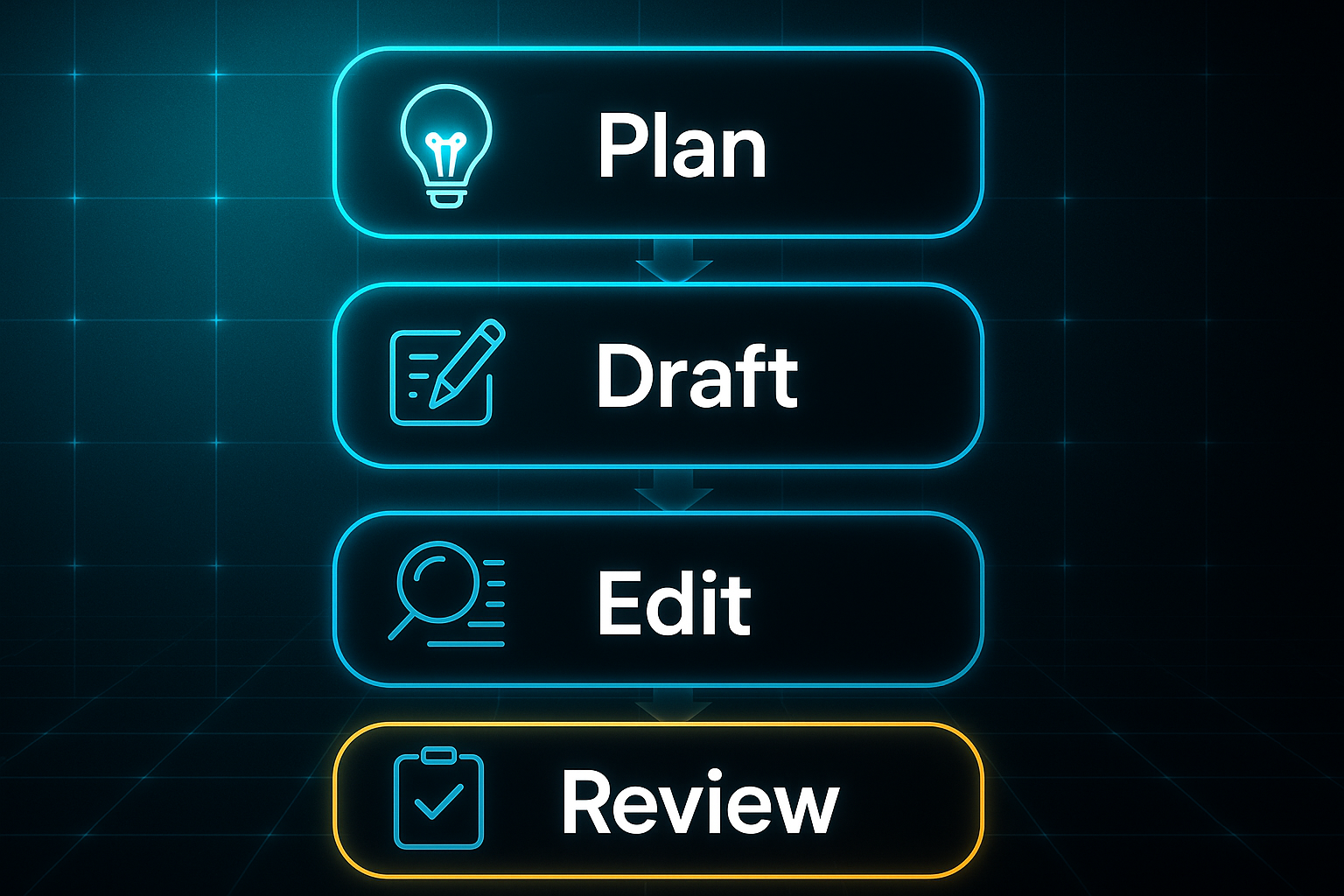
Writing checklists typically consist of four principal stages, each focused on a recognised component of the writing process.
Here’s how these stages are generally organised:
- Planning
Identifies the writing’s purpose, audience, and main ideas before the drafting process begins. - Drafting
Directs the organisation of ideas into logical sections while maintaining cohesion and flow. - Editing
Prompts careful review for clarity, grammar, consistency, and effective expression throughout the writing. - Reviewing
Verifies that all goals are met and the piece is complete, polished, and ready for its intended audience.
These stages reflect how writers naturally move through each part of composition, emphasising intentional workflows and reducing the risk of missing important details.
Cognitive Scaffolding and Adaptability
In practice, writing checklists act as cognitive scaffolding—dividing intricate tasks into accessible steps. This approach alleviates anxiety, supports memory, and encourages a methodical flow of work. The format of these checklists is also adaptable; criteria and structure can be refined to suit creative writing, business documents, blogging, or academic projects. In collaborative environments, writing checklists provide a shared set of standards and a unified language for group assessment or peer review.
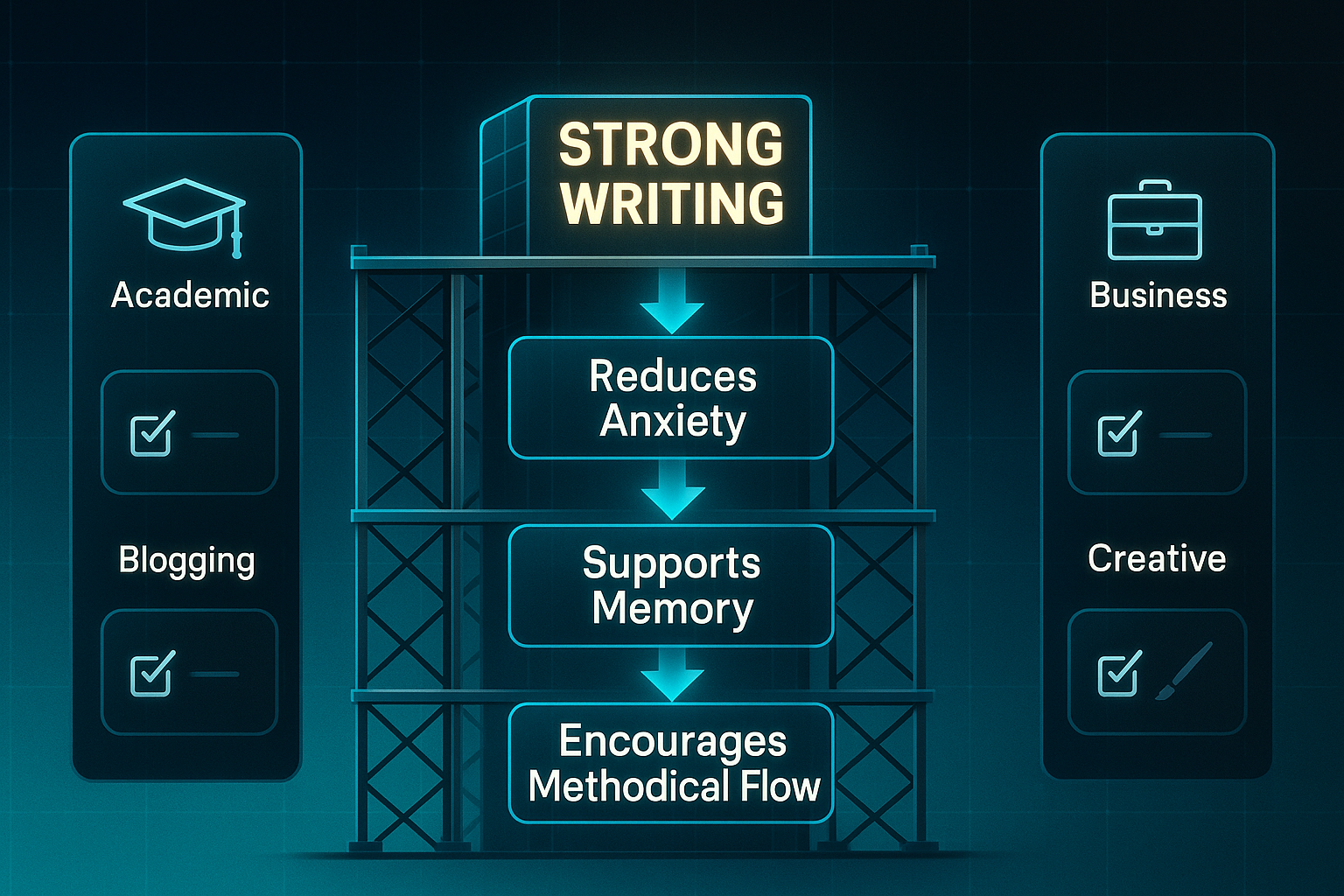
Core Conceptual Benefits
The chief advantages of employing a writing checklist are organisational clarity, increased error awareness, greater consistency, and stronger confidence in outcomes. For individuals, checklists reinforce personal standards and support ongoing self-reflection. For teams, they cultivate consistency and productive feedback cycles.
Checklists provide a kind of cognitive net. They catch mental flaws inherent in all of us—flaws of memory and attention and thoroughness.
Developing a clear understanding of these concepts establishes a solid foundation for exploring how writing checklists support each step in the writing process and adapt to a wide variety of writing contexts.
Key Stages and Action Items in a Writing Checklist
Structuring the Checklist for Real-World Use: Stage-by-Stage Breakdown with Worked Examples
A writing checklist works best when you break it into distinct, purposeful stages—think planning and outlining, drafting, then editing and reviewing.
Each stage comes with its own checklist. These are designed to cover the most likely stumbling blocks, such as losing focus, failing to hit the brief, or realising you’ve missed a vital point just as you’re wrapping up.
Want your checklist to actually help, not just look impressive on your desktop? Keep the action points clear, and make sure each one tells you exactly what to check for or do.
Planning and Outlining: Foundation for Organised Writing
Everything starts with a solid plan. This first stage anchors your ideas and sets a clear trajectory.
It ensures you don’t waste time wandering off track. The tools and techniques you use will vary with the genre, but at the core, you’re aiming to set up a strong foundation.
Let’s get practical. Below you’ll find a table of typical planning-stage checklist items for academic and business writing.
Each one tackles a specific pain point. You can see not just what to check, but why it matters.
Academic and Business Planning Checklist
| Checklist Item | Why It Matters | Pain Point Solved |
|---|---|---|
| Purpose and audience analysis | Aligns content to reader needs | Prevents misalignment and irrelevant tangents |
| Research and information gathering | Builds credibility and depth | Avoids vague or shallow arguments |
| Clarify main goals and scope | Keeps focus and intention clear | Reduces risk of going off-topic |
| Outline major sections and subpoints | Organises content logically | Eliminates poor flow and gaps |
| Match tone to context (formal/informal) | Establishes credibility | Prevents tone mismatch |
| Check format and referencing | Meets required standards | Avoids formatting penalties |
Here’s a tip that works wonders: Map each part of your outline to the assignment rubric or business objectives.
It really helps you cover every angle, and nothing slips through the cracks.
While the checklist above focuses on academic and business writing, blog and creative projects require more targeted planning criteria.
Blog and Creative Planning Micro-Checklists
When it comes to blogs or creative projects, you need something more focused.
So before you dive into your draft, run through these genre-specific planning lists:
- Blog/Marketing Writing Planning
Identify target audience; Craft headline; Plan call-to-action; Choose keywords; Prepare visual elements. - Creative Writing Planning
Design main characters; Map plot turning points; Plan key settings; Define theme; Sketch main conflict.
In collaborative or digital-first projects, tools like Google Docs or Notion can be a lifesaver.
Assigning sections, brainstorming your structure as a team, and clarifying action items before writing starts all keep everyone on the same page.
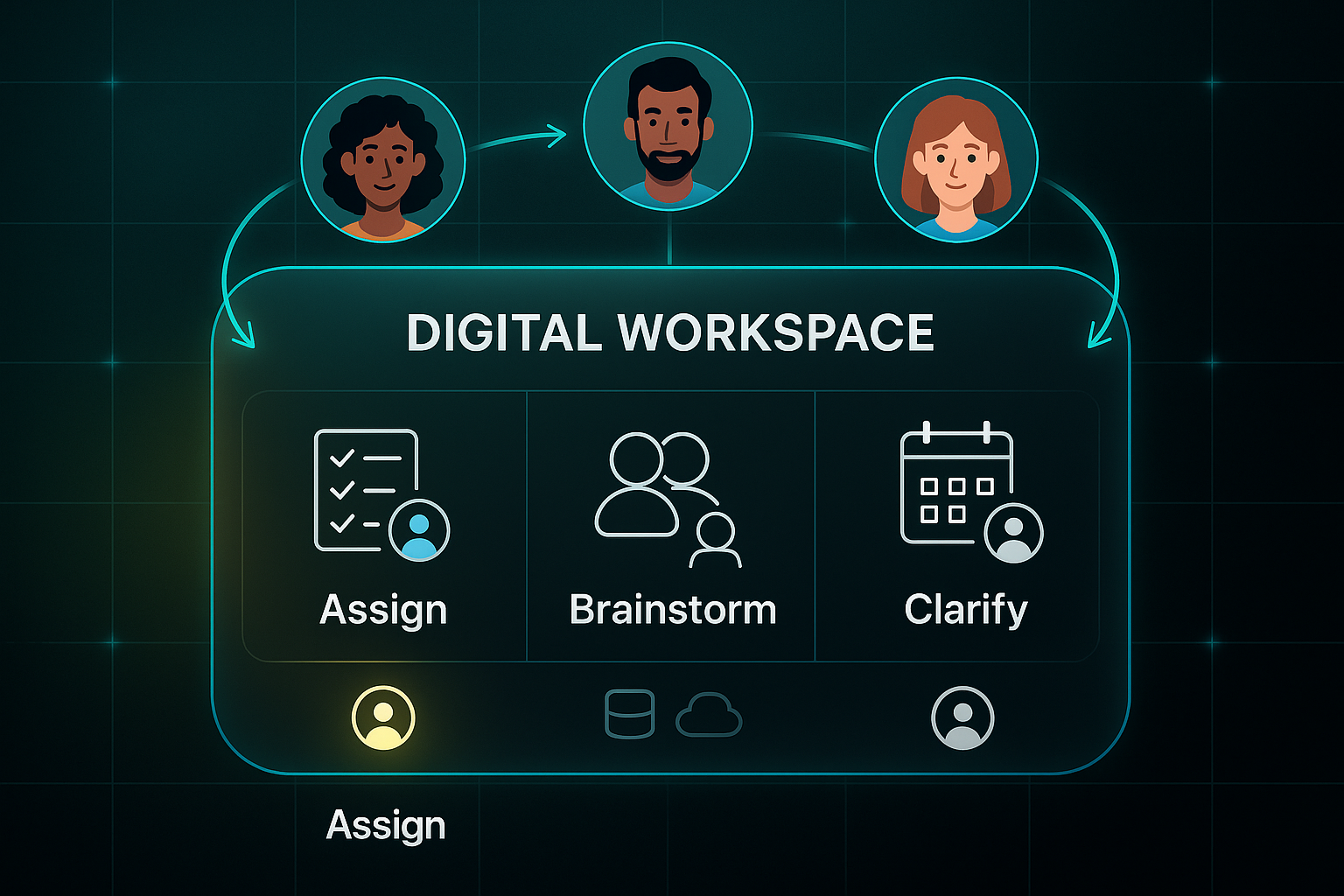
Template outlines and database trackers are excellent for tracking responsibilities—no more chasing up who’s doing what.
Nail your planning stage, and you’ll find the drafting much smoother.
After all, a well-mapped journey is far easier to travel.
Next up: turning these solid plans into a strong first draft and keeping the momentum through to your polished final copy.
Sample Writing Checklists for Different Genres and Use Cases
Writing checklists really come into their own when you shape them for the specific needs and routines of each genre.
Let’s make this practical—here’s a quick look at the kinds of checklist steps that work for academic, business, blogging, and creative writing in 2025, plus handy examples of the digital tools that help bring them to life.
Academic Writing: Structure, Sources, and Standards
Academic writing is its own beast, and the checklist needs to cover everything from structure to scrupulous referencing.
Here’s what makes a difference for students and researchers:
- Map Sections to Assignment Brief
Plan introduction, literature review, analysis, and conclusion to match requirements. - Track Citations Digitally
Manage and check references with Zotero or Mendeley for stress-free citation. - Peer Review and Formatting
Use Google Docs for proofing, double-check style guides, and review logic and clarity.
Once your checklist covers these academic steps, digital tools like Zotero and Mendeley streamline reference management while Google Docs enables collaborative proofing.
Working in a group? Sharing outlines and edits in Google Docs speeds up feedback cycles.
Tools like Notion are increasingly used for tracking research progress among multiple authors.
Business Writing: Clarity, Action, and Accuracy
Business documents need focus, facts, and follow-up.
For modern companies and project teams, these points help keep things tight and actionable:
- State Audience and Goal
Begin by highlighting purpose and readers. - Verify Data
Cross-check facts and figures with your CRM or dashboards. - Assign Actions
List action items clearly; Notion or Process.st templates make responsibilities visible.
Once your checklist covers these essentials for business writing, modern workflow apps ensure greater accuracy and real-time collaboration.
With real-time editing in Notion or workflow apps like Connecteam, you can assign owners and update checklists as you go.
This means fewer errors and nothing left hanging.
Blogging: SEO, Engagement, and Delivery
Bloggers in 2025 need to master SEO, structure, and reader engagement.
A sharp checklist covers your key bases:
- Define Audience and Headline
Identify the reader, nail your SEO-friendly headline. - Structure and Internal Linking
Plan out your content sections and cross-link intelligently. - Performance Checks
Test links, images, and metadata; tools like Trello and Notion schedule and track your tasks.
Once your blog checklist is in place, digital tools like PublishPress Checklists, Yoast SEO, and Kanban boards in Trello make sure you don’t miss critical editorial steps before going live.

AI-Powered
SEO Content Strategy
See the AI platform that's replacing entire content teams
(with better results).

Many teams also use these platforms for instant project snapshots and performance tracking.
Creative Writing: Story, Pacing, and Consistency
When you’re crafting fiction, it’s all about story coherence and pacing.
So your checklist turns to character arcs and emotional beats:
- Draft Plot Outline and Characters
Map out the overall narrative and main character traits. - Check Scene Flow and Pacing
Assign moods and plot turns to scenes or chapters. - Peer or Workshop Review
Get targeted revision via Google Docs comments or Notion tasks.
After working through your creative checklist, pairing these with digital tools makes ongoing edits and manuscript management easier.
Writers are increasingly logging scenes, characters, and beta reader feedback in Notion or Monday.com.
This makes ongoing edits far more manageable.
Adapting and Advancing Your Checklist
The real secret? Start with a solid, genre-based checklist and adapt it as your project grows.
Add digital app support, team role assignments, or feedback loops as you go.
This lays the groundwork for the next step: turning these checklists into powerful frameworks for team collaboration and classroom success.
Collaborative Writing Checklists: Adapting for Teams and Classrooms
Building Effective Group Writing Processes
Managing a group writing project—whether in an editorial team or classroom—can quickly get messy without the right system. By using a collaborative writing checklist, teams gain structure, maintain accountability, and create an efficient feedback flow throughout each phase of the project. To keep things on track, break the project into essential stages: outlining, drafting, reviewing, and editing. Assigning clear ownership and deadlines is vital; digital tools such as Notion tables or Trello boards make responsibilities and timeframes visible for all participants. For every collaborative checklist, ensure you include columns that capture all critical information so tasks, due dates, and peer responsibilities are never missed.
- Task
The specific writing or editing activity to complete - Assigned To
Who’s responsible for that activity - Due Date
The task’s deadline - Stage
Current status, like Drafting or Review - Peer Reviewer
Assigned person giving feedback
Clear organisation like this allows teams to avoid confusion and lost assignments as the project moves forward, making complex group tasks less stressful and more productive.
Digital Checklist Workflows and Automation
Bringing in digital platforms speeds up collaboration and increases visibility. For example, setting a task to “Ready for Review” in Notion alerts reviewers, while Trello's Power-Ups like Calendar and Butler can monitor deadlines, move cards to ‘Review’, and send overdue alerts automatically. Additionally, attaching files directly to Trello cards or Notion pages ensures nothing goes missing and keeps all relevant documents accessible to everyone. Encouraging team members to leave quick comment updates once a stage is done boosts accountability and makes the entire workflow transparent. By connecting these tools and routines, collaboration moves faster and more reliably.
Peer Review and Feedback Loops
Consistent feedback keeps standards high and uncovers strengths and issues early. Before each review sprint, ensure everyone understands the goals and focus. Digital rubrics built in Google Sheets or Notion set out agreed review points, guiding peer commentary and making feedback measurable. Feedback given with these checkpoints ensures important details are covered, while automated alerts mean no review falls through the cracks. Establishing simple review protocols greatly improves team writing outcomes.
Here are the most common criteria reviewers should cover, helping teams quickly identify both strengths and any areas needing improvement:
- Thesis Strength
Main argument is clear and persuasive - Evidence
Facts and examples are relevant and convincing - Style
Writing fits the audience and tone needed
Continuous Improvement and Customisation
A great collaborative checklist is never static—it should evolve after each project. Gathering honest feedback with tools like Google Forms or quick team polls reveals what's working and what needs adjustment. Editorial teams commonly review workflows monthly, update standard operating procedures (SOPs), and introduce new best practices to stay agile and efficient. By combining structured roles, automated reminders, and regular feedback, even the largest group writing projects become manageable and panic-free. These practices are essential for teams aiming to scale reliably, and, once in place, they ensure last-minute chaos is a thing of the past.
Common Pitfalls and Solutions for Writing Checklists
Let’s be honest—most writers dodge long, generic checklists. It’s not laziness, just a reaction to clutter. A crowded list does nothing but slow you down and sap motivation.
Reducing proofreading lists from many items to a handful of high-impact checks can dramatically improve revision completion rates. Less to check means more gets done.
Here are the six most effective proofreading checks to focus on. These essentials make a real difference:
- Thesis clarity
Is your key argument clear? - Citation accuracy
Are references correct? - Logical flow
Do ideas move smoothly? - Topic sentences
Does each paragraph open with its main idea? - Relevance
Is every section focused and on topic? - Transitions
Are paragraphs linked naturally?
Streamlining isn’t about bare minimums—tools like Google Docs let you build concise lists right in your draft. With Trello, you can set up “Headline-SEO-Readability” checks for blogs and drop unused points quarterly by reviewing your analytics. If you’re unsure where to start, pick what holds you up the most.
Overly long or complex checklists can lead to fatigue and reduced compliance.
Modular Checklists and Adaptation by Genre
One-size-fits-all never works in writing. In Notion, split checklists by genre with tags like “plot”, “character”, or “setting” for creative projects. For business, use templates to separate research and action steps. Assign tasks using @mentions for clear responsibility.
Clear Ownership and Accountability
Teams that name clear owners for checklist steps see better results. Using owner tags in Notion and assigning drafting roles in Slack makes it easier to audit edits and reduce the number of missed steps. In every review session, adjust your checklist to tackle new problems.
Feedback and Onboarding for Consistent Use
Feedback helps refine the checklist after each writing sprint. Onboarding gets easier with video guides or letting newcomers shadow a session in Google Classroom. Notes that clarify “Why It Matters” demystify tricky criteria and help raise completion rates.
Focus on essentials, adapt to your genre, assign responsibility, and keep listening—these habits set you up to automate and evolve your writing checklist next.
Digital Tools and Automation for Efficient Writing Checklists
2025 Checklist Platforms: Core Differences & Expert Selection Advice
It’s hard to imagine writing checklists in 2025 without the help of digital tools. Today’s platforms combine AI (Artificial Intelligence—automated writing support), Kanban boards (visual workflow boards), automation triggers (automatic actions set off by specific events), and version control (tracking and reverting document changes).
Plus, SEO (Search Engine Optimisation—strategies for boosting web content visibility) comes built in for those focused on online content.
With so many options, making the right choice can feel overwhelming. Here’s the good news: the “best” tool really just depends on your team size, how complex your workflows are, and whether you prioritise simple to-do lists or deep process tracking.
To save time, here’s a quick summary of the top checklist platforms in 2025, highlighting what sets each apart and where they fit best:
- Notion
Modular workspaces with flexible automation—best for adaptable team checklists and collaborative documentation. - Trello
Visual Kanban boards plus Butler automation (built-in Trello task automation)—great for quick setup and tracking tasks visually. - Google Docs
Live co-editing and version control—ideal for collaborative drafts and instant checklist updates. - ClickUp
Project management plus checklist automation and analytics, with end-to-end control (from initial brief to publication)—perfect for multi-team, complex projects. - SEOSwarm
SEO-oriented checklists, integrated analytics (real-time performance and task data), and powerful automation—tailored for scaling content and running keyword-driven campaigns.
If clear visual workflow and setup speed matter most, you’ll probably start with Trello.
Teams that need to adjust processes as projects grow usually benefit from Notion’s adaptability.
For those who live and breathe collaboration, Google Docs makes live review and shared editing painless.
ClickUp excels in reporting and process management for teams juggling larger projects.
And if SEO is your world, SEOSwarm is made for high-volume, data-driven writing.
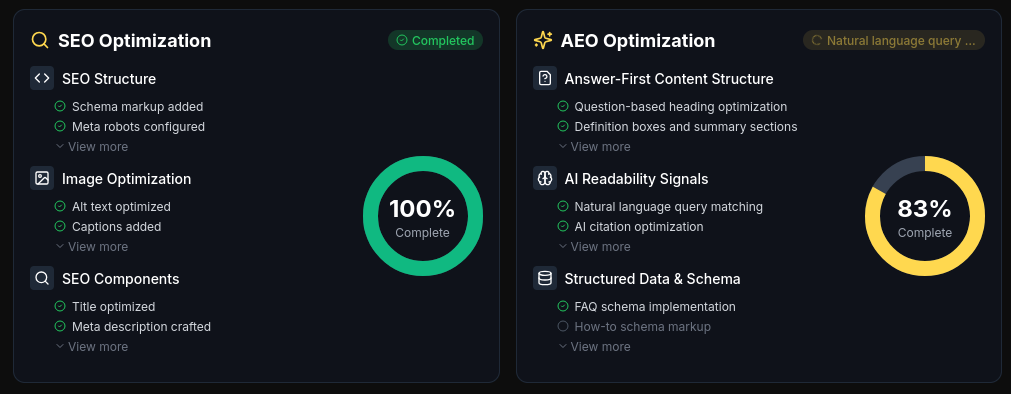
So, what’s the takeaway? Pick the platform that will actually solve your team’s workflow friction and scale with your ambitions.
The major players all let you automate steps, avoid skipped checks, and keep evolving alongside your writing goals.
Up next, we’ll dig into how to personalise and refine your checklists to match new genres, feedback, and objectives.
Customising and Improving Your Writing Checklist Over Time
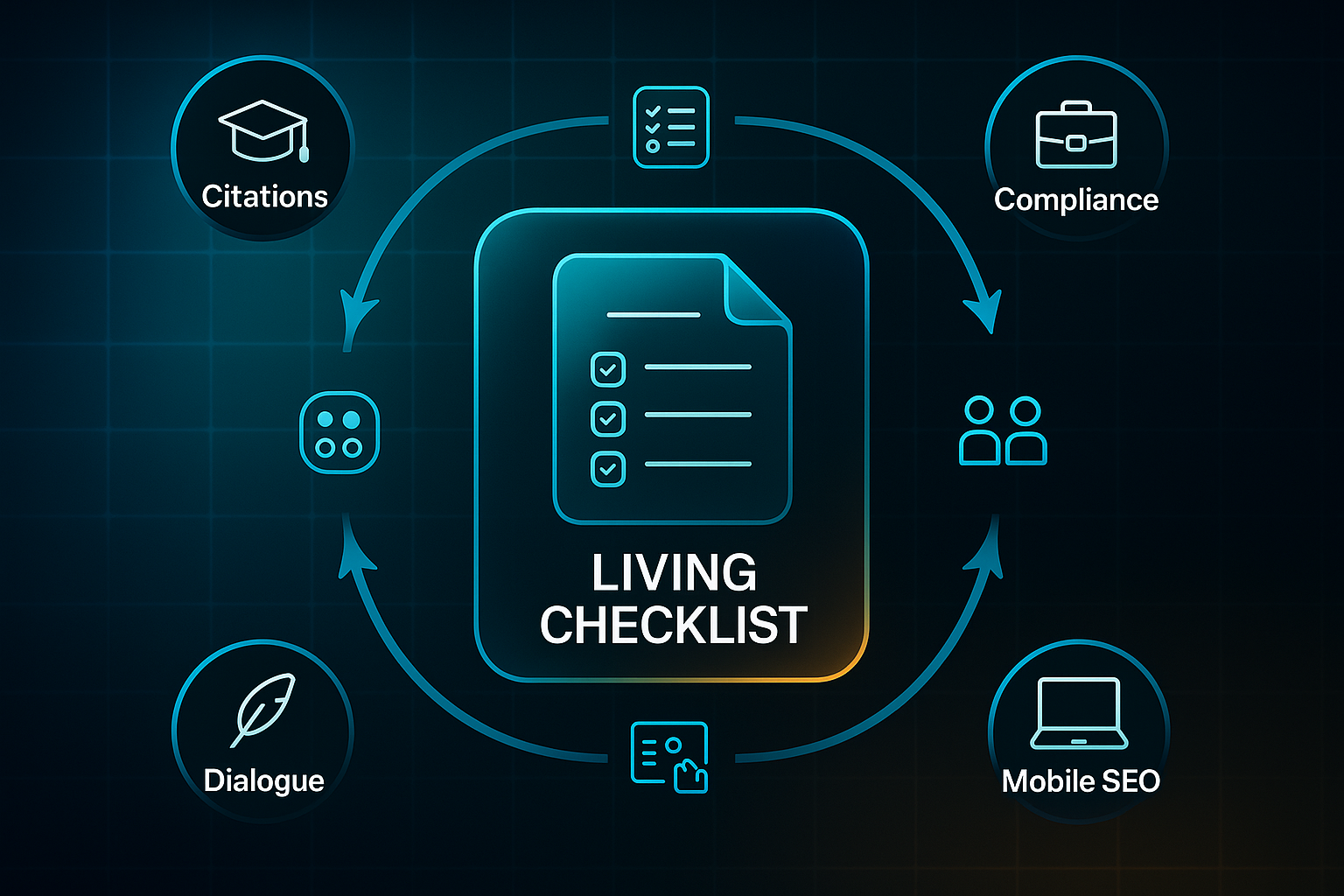
Think of your writing checklist as a living document—something you can shape and reshape for whatever project lands on your desk. When you tailor checklist items for your genre, they instantly become more relevant and, frankly, more likely to get results.
For academic writers, you might add a step like, “Verify every citation’s accuracy before submission,” which instantly raises your standard of professionalism.
If you work in business, you could include, “Check each section for required compliance and a clear call-to-action (reader instruction step).”
Bloggers, on the other hand, benefit from specific points such as, “Test mobile readability; confirm that meta description (brief SEO summary) and image alt text (accessibility label) are present.”
And for creative writing? “Review dialogue for character realism and chapter pacing” helps keep your story sharp.
The next trick is to make your checklist truly accessible: use plain language and add clear section headings so nothing gets missed. Platforms like Notion (free or from £8/month), Trello (free, premium from £5/month), and Google Docs (free, Workspace £5–£10/user/month) come in handy for colour coding, adding digital checkboxes, and seamless sharing. It’s also worth ensuring your checklist works with screen readers and offers resizable text support for maximum accessibility.
But here’s the real game-changer: regularly gather feedback via team reviews or quick surveys after every project, then schedule a full checklist review each quarter. Making even small changes can have a huge effect—some teams see noticeable improvement in referencing accuracy after adding a “citation check” step. For blogs, enforcing a mobile readability check can help lower bounce rates and improve audience engagement.
Blog-in-one-minute
Add a fully SEO-optimised blog to your website with just 2 lines of code.
Learn more
That’s why reflection and adaptation are your secret weapons—keeping your checklist sharp as your writing and your challenges evolve.
Making a Writing Checklist Work for You
Most writers don’t fail for lack of ideas—they stumble because the process feels overwhelming or scattered. A well-crafted writing checklist turns chaos into clarity, breaking big projects into manageable, actionable steps. The real value isn’t in ticking boxes, but in building habits that sharpen your focus and raise your standards every time you write.
If you want your checklist to work for you, start small and adapt it for your genre and workflow. Use digital tools like Notion, Trello, or Google Docs to keep your process visible and collaborative. After each project, review what worked and adjust your checklist—continuous improvement is where real progress happens.
I’ll leave you with this: strong writing isn’t about perfection on the first try, but about building a system that catches what you’d otherwise miss. The checklist you refine today becomes the confidence you carry into every draft tomorrow.
- Wil